Remote development with using an SSH tunnel

In the holidays I have been at my moms place so that she isn't alone and I can take care of a few things. However, the work continues, but my primary product (Todo2d - A task and project management system) has reached the size that developing on a "low powered" laptop is starting to become troublesome. In addition the data on my home-machine differs greatly with is on my laptop.
And although I consider my MacBook Pro M2 with only 8GB ram a "low powered" laptop, I want to point out that it still outperforms most other laptops that I have used.
The past year I have mostly developed remotely with two tools: Parsec and AnyDesk. AnyDesk is mostly a backup for those rare occasions that Parsec crashes (mostly when I restart it remotely). The problem with AnyDesk is that it is slow, around 5 frames per second. So unusable for gaming, but also for developing highly interactive applications where I want to view if the animation is working.
In that regard Parsec is awesome: high framerate and low latency. I sometimes even use it to watch YouTube using Parsec. Frankly it's the closest thing you can get to local experience.
Except that "near local experience" is still worse than the the "local experience". And so I have been using VS Code Tunnels to do some development and that is just slightly better. The code looks better in dark mode (no more compression), the typing experience has less of a delay, and above all I can use the touch pad to swipe again.
The only reason why I couldn't use it fully was because the port forwarding used some custom domain. So I wanted to an alternative solution.
After looking around on the internet I remembered that using SSH you can forward ports as well. The only problem is that my home machine is behind a router and I don't want to expose that machine.
Luckily SSH allows you to use another machine as a relay as a middle man. All you need is another server. The commands are quite simple. All you need is ssh access to another machine that both can reach and then type the following commands.
###################
# ON THE SERVER
###################
# This command will forward the *local port* 4200 of the server machine
ssh -f -N -R 4200:localhost:4200 user@public-server

###################
# ON THE CLIENT
###################
# This command will expose the *remote port* on the local machine
ssh -L 4200:localhost:4200 user@public-server
Congrats! Now port 4200 of the server is now locally available on the client. In this case my angular server runs on my home machine and I can access it locally using https://localhost:4200 on my laptop.
However, I already know I'm going to forget those commands or use the wrong arguments.
Introducing Tunnel-sh
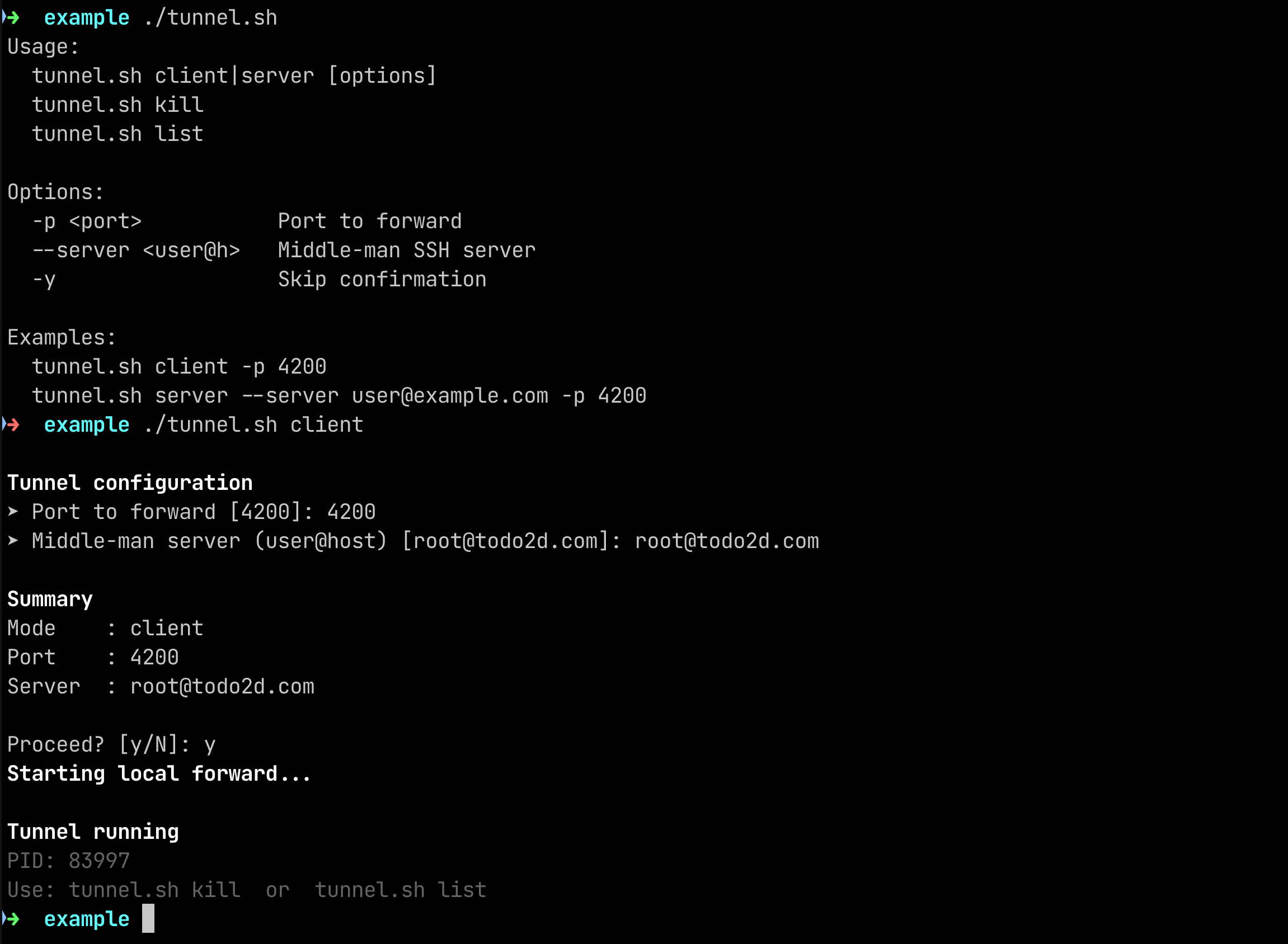
So I created a simple bash file that I can use on both the client and the server.
The code is open-source and available on GitHub: https://github.com/MagusByte/tunnel-sh
# One time setup (on both server and client)
git clone https://github.com/MagusByte/tunnel-sh
cd tunnel-sh
chmod +x tunnel.sh

# On the server
./tunnel.sh server

# On the client
./tunnel.sh client
Both commands will ask for the required details, but also remember the last details. It does require that you have automated the authentication (e.g. using ssh-add).